/mcp automatically. Thus, AI tools that support the Model Context Protocol can be used to ask questions about the datasets configured in a Squirrels project.
This guide assumes that you have a Squirrels server running at http://localhost:8000 in standalone mode.
Authorization header (when required)
If your project usesauth_type: required, your MCP client must authenticate.
- For
auth_strategy: external, MCP requests must includeAuthorization: Bearer <token>where<token>is a provider-issued OAuth access token (or JWT).- If authentication is missing/invalid, the server responds with HTTP 401 and a
WWW-Authenticateheader that includes aresource_metadataURL (usually served at/.well-known/oauth-protected-resource). - MCP clients that support OAuth discovery can use this to find the correct authorization server to authenticate with and fetch the access token from first.
- If authentication is missing/invalid, the server responds with HTTP 401 and a
- For
auth_strategy: managed, MCP requests can includex-api-key: <api_key>as a header where<api_key>is an API key issued by the Squirrels API server.
MCP clients
Choose which AI tool you want to use to interact with your Squirrels project.- Claude Desktop
- Claude Code
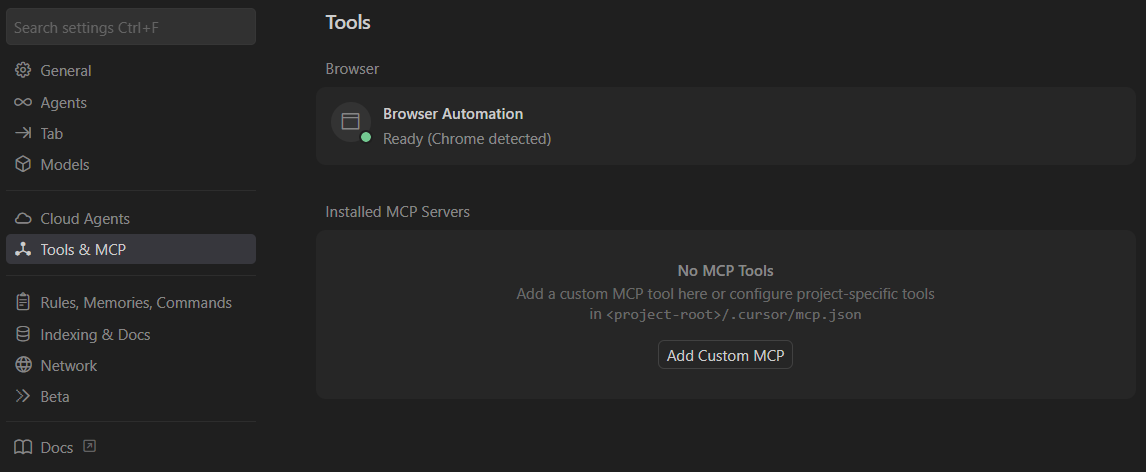
- Cursor
- VS Code / GitHub Copilot
Prerequisites:
- Claude Desktop installed
- Node.js (>= v18.0.0) and npm: Download from nodejs.org
- A Claude.ai account (the free plan works!)
- Open Claude Desktop.
- Click your name in the lower left corner, then click Settings.
-
Click Developer under “Desktop app”.

-
Click the Edit Config button. This opens the file location of
claude_desktop_config.json. -
Open
claude_desktop_config.jsonin a text editor, and paste in the following:
- Save the file and exit Claude Desktop (this is different than closing the window).
- To exit Claude Desktop on Windows, click the menu icon on the top left corner and then click File -> Exit
-
Open Claude Desktop again. You should now see the Squirrels project enabled by clicking the “search and tools” icon below the chat input.

- Ask questions about the datasets in the Squirrels project. See the section below for example prompts.